 Mutter
 Mutter
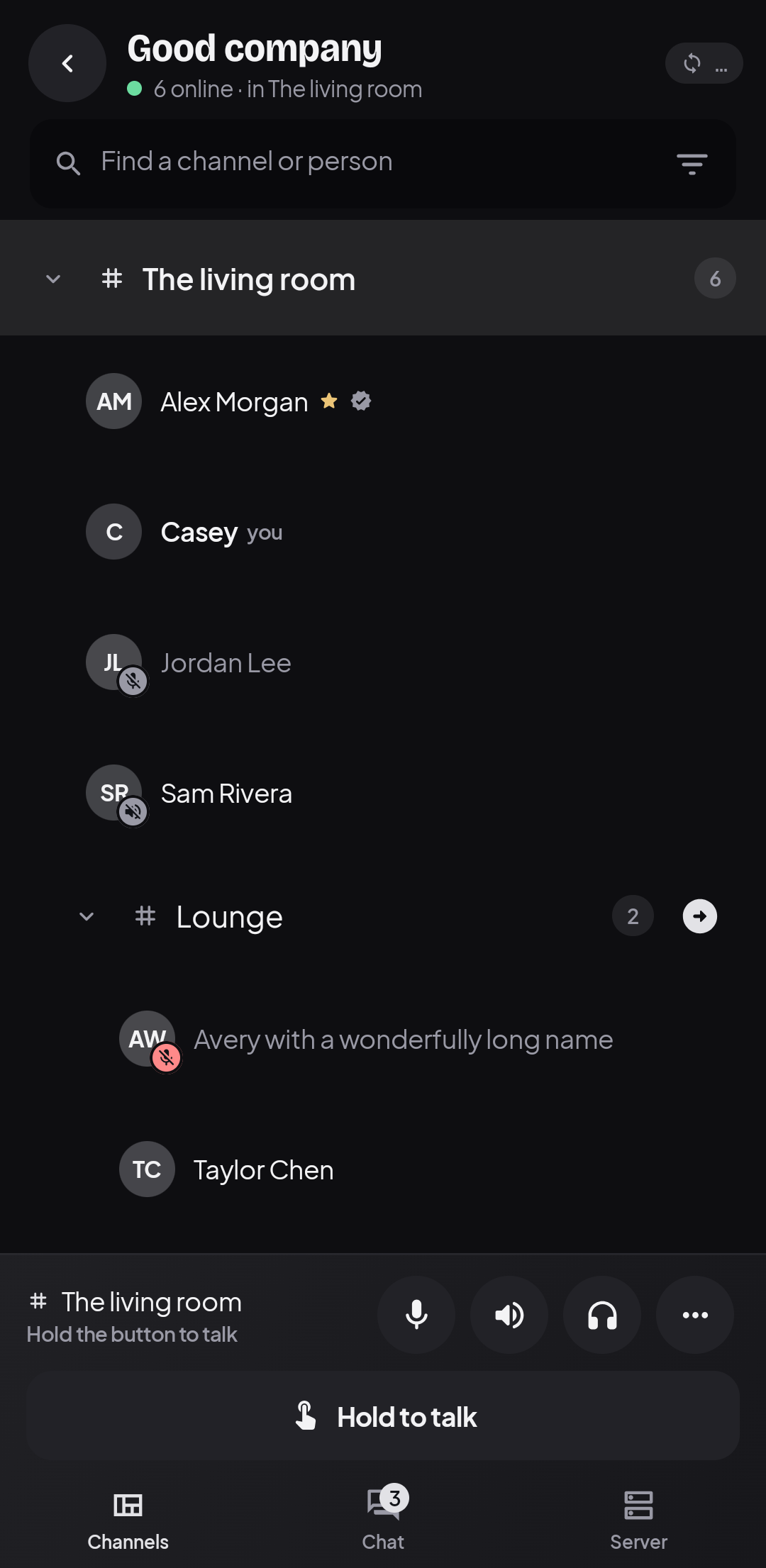
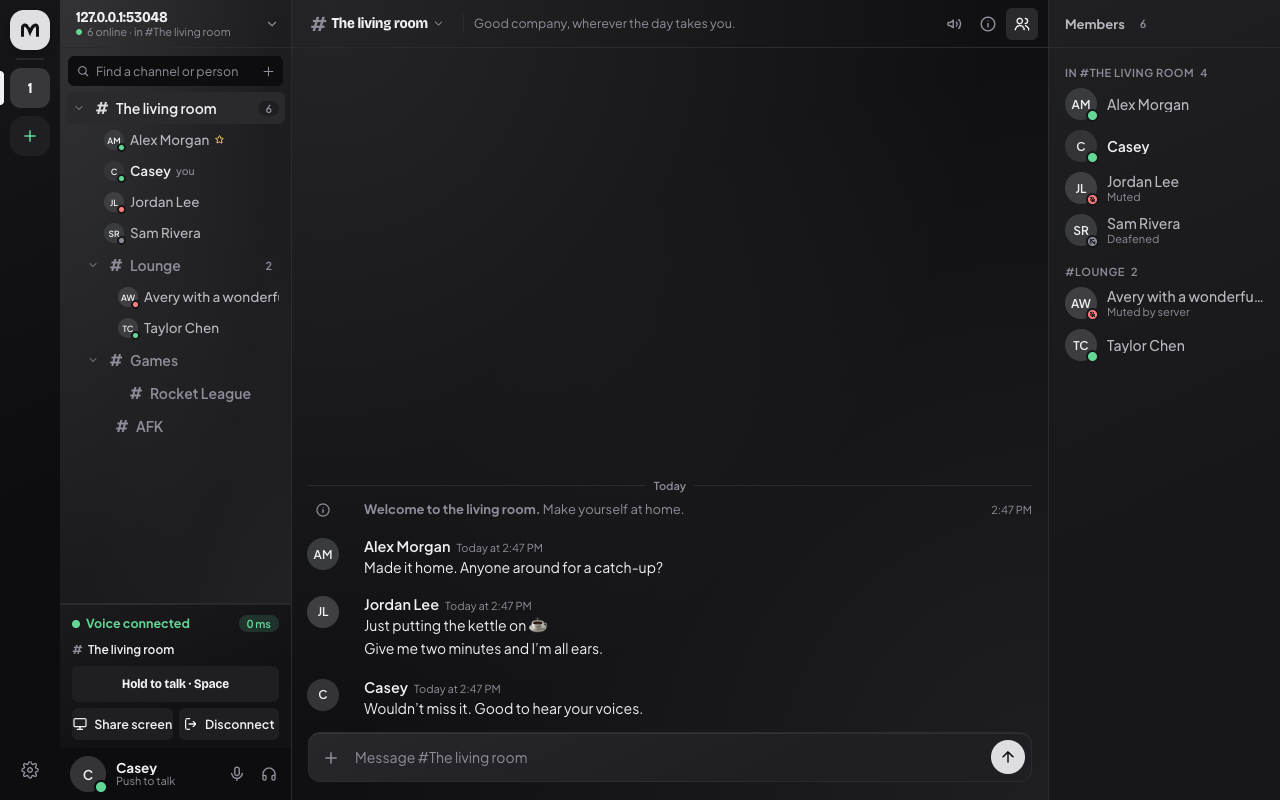
Mutter is a Mumble client for desktop, Mac, iOS, Android, and the web. Join a server, see who’s around, and talk.
What you can do
- Hold to talk, use voice activation, or leave the mic open. Mute yourself, deafen, or adjust someone’s volume without changing it for everyone else.
- Save your favourite servers, browse channels, and find people by name.
- Send messages and images to your channel or directly to someone.
- Share a screen or camera from the browser or Electron app, or your phone's screen from iOS or Android, and watch from any Mutter client.
- Pick a theme you like and follow your device’s light or dark appearance.
Mutter connects to regular Mumble servers. Screen sharing is a Mutter extension, so viewers need Mutter too. The feature guide covers the differences between platforms.
Try it
The browser client is a quick way to run from source. With Node 18+ and Chrome or Edge installed:
git clone https://github.com/alaarab/mutter.git
cd mutter
node web/bridge/server.mjs
The bridge serves Mutter at http://localhost:8788 and opens an app window when it finds a
supported browser. Add your Mumble server’s address and username to connect.
For the other apps, start with the guide for your platform:
| App | What you need | Guide |
|---|---|---|
| Browser | Node 18+ and Chrome or Edge for voice | Run in a browser |
| iPhone | Xcode, XcodeGen, and an iOS 17+ device or simulator | Build and install on iOS |
| Android | JDK 21, Android SDK 37, and an Android 10+ device or emulator | Build and install on Android |
| Electron | Node 22+ to run from source on Windows, macOS, or Linux | Run the desktop app |
The mobile apps connect directly to your server. The browser needs the local Node bridge running; Electron includes it. Mobile builds currently use development signing—follow the platform guide to install on your own device.
Working on Mutter
The browser and Electron use the same web client. The phone apps use SwiftUI and Jetpack Compose,
with their own Mumble protocol implementations. Themes and fonts live together in design/.
If you’re changing the interface, start with the design guide and shared phone layout. Update the shared palette, then regenerate its outputs:
node scripts/generate-themes.mjs
node scripts/generate-themes.mjs --check
Browse the docs for the source map, build guides, protocol notes, and test commands.